iOS 27.3 beta: every new feature, and how to test your app before it ships
Apple started testing iOS 27.3 on 3 November 2026, and MacRumors calls it the biggest update to iOS 27 since the system launched in September. Point releases like this one tend to ship within a few weeks of the first beta, which means every iPhone app has a short window to be tested before millions of people install it. Here is what is in the beta, and what we check in our own apps when a beta like this appears.
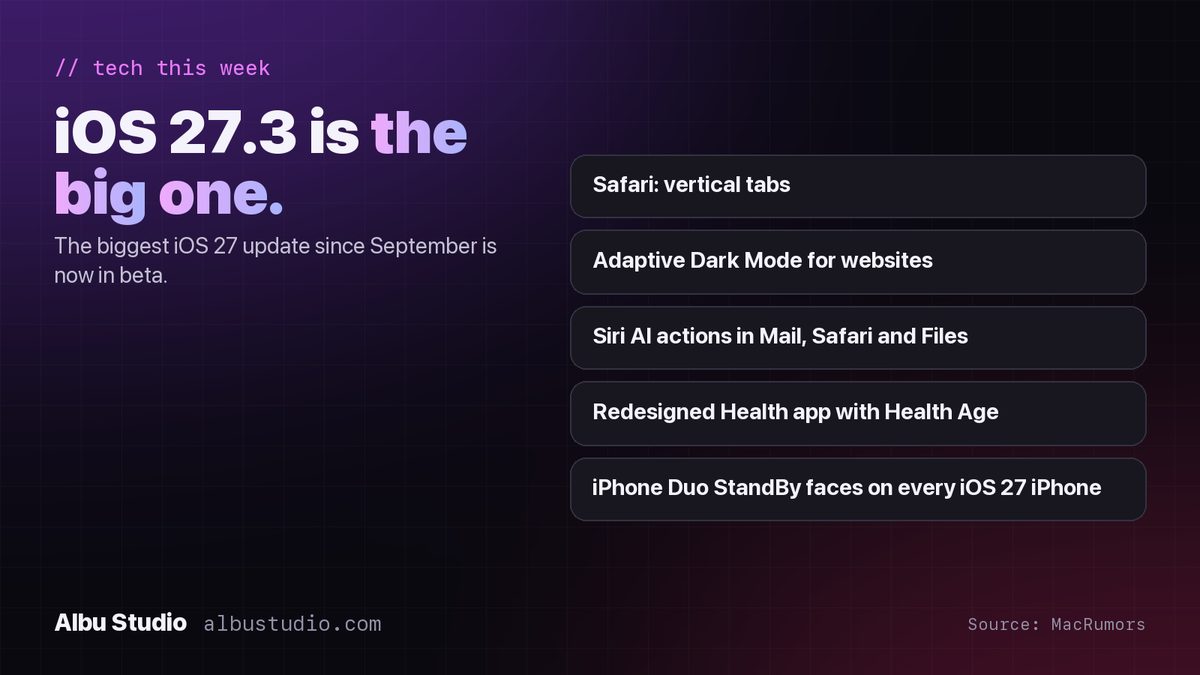
What is new in iOS 27.3
- Safari gets a Vertical Tabs layout option, a sidebar list of open tabs instead of the row across the top.
- Adaptive Dark Mode for websites: Safari can apply a dark appearance to sites that do not offer one of their own.
- Siri AI gains new actions across apps, including Mail, Safari and Files.
- The redesigned Health app returns, with Insights and Longevity tabs and a Health Age figure.
- The StandBy faces introduced on iPhone Duo come to every iPhone that runs iOS 27.
- Apple Intelligence goes live in China.
The list comes from MacRumors' beta coverage of 7 November 2026. Features in a beta can change or slip to a later release, so treat it as the current state, not a promise.
Why point releases break apps
Big yearly releases get all the attention, and developers test for them all summer. Point releases arrive quietly, and that is exactly why they catch apps out. A new Safari feature changes how web content inside apps renders. A new Siri capability changes what users expect your app to respond to. A redesigned system app changes the look users compare yours with. None of it is dramatic, and all of it shows up as one-star reviews that say "stopped working after the update".
How to install the beta
- Use a spare iPhone if you have one. A beta on your only phone is a bad week waiting to happen.
- Developers: sign in with the Apple ID of your Apple Developer account, then open Settings > General > Software Update > Beta Updates and choose the iOS 27 Developer Beta.
- Everyone else: enrol the same Apple ID at beta.apple.com, and the Public Beta appears in the same Beta Updates menu once Apple opens it for this version.
- Install the matching Xcode beta from developer.apple.com/download if you need to build against the new SDK. The shipping Xcode 27.1 still builds and runs your app on the beta device for testing.
What we test, in this order
- Launch, sign-in and the first screen. Most crashes after an update happen in the first ten seconds.
- Any web content inside the app. If you show pages in a web view, open the same pages in Safari with Adaptive Dark Mode on, and check your logo, images with white backgrounds and any text you set to a fixed colour.
- Your Siri and Shortcuts intents. If your app exposes actions to Siri, try them by voice on the beta. New system actions in Mail, Safari and Files set a new bar for how quickly yours should respond.
- Health data, if you read or write it. The Health app redesign changes where users see your data and how they compare it. Confirm your permissions prompts and your data still appear where you expect.
- Widgets and StandBy. With new StandBy faces reaching every iPhone, people will leave their phones on their desks in StandBy more. Check how your widget looks there, in colour and in the red night mode.
- Dark mode, Dynamic Type at the largest sizes, and landscape. Every point release moves a few pixels somewhere, and these three settings expose it fastest.
Keep a one-page list of what you tested and on which beta build. When a user writes "it broke after the update", knowing you tested exactly that screen on beta 2 saves a day of guessing.
If you have an app and no time to test it
This is a fixed-size job: one phone, one afternoon, one list. We run it for apps we did not build as well as for our own, and we report what we found with screenshots and the steps to reproduce it. The earlier in the beta cycle, the more time there is to fix what turns up before Apple presses the button.