Shopify Editions Fall '26: what Romanian and Bulgarian stores should do before Black Friday
Shopify published its Fall '26 Edition on 28 October 2026, more than 150 updates under the name Exponential. The headline is that shoppers can now buy your products inside AI assistants. Most of the rest is quieter, and a lot of it is still rolling out. With Black Friday on 27 November, the useful question for a store in Romania or Bulgaria is not "what is new" but "what can I switch on this week that will still be working on the 27th". Here is our answer.
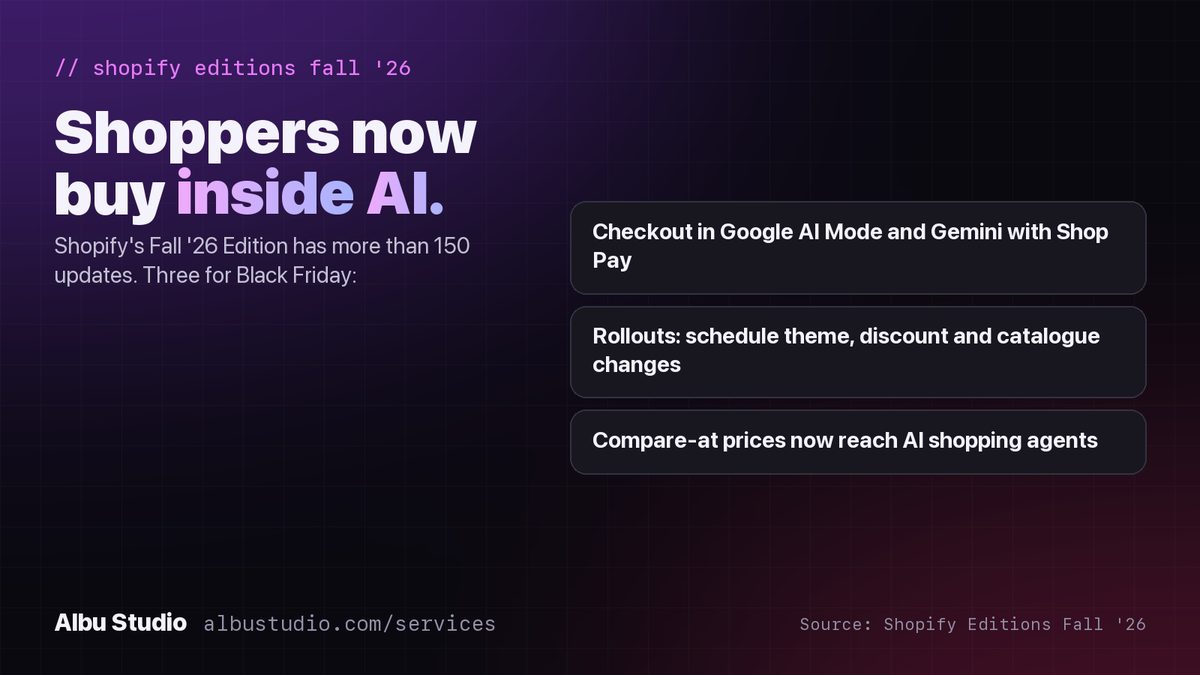
The headline: shopping inside AI assistants
Shopify products can now be bought inside Google's AI Mode and Gemini, and inside personal AI agents, with payment through Shop Pay. The shopper asks the assistant for a product, the assistant shows yours, and the purchase happens there. For the shopper nothing new to install; for you, a new storefront you did not build and cannot style.
Two practical consequences. First, your product data is now read by a third audience, after people and Google: an AI agent that compares titles, descriptions, prices and availability in plain language. Titles written as keyword strings and descriptions that say "high quality product" give it nothing to work with. Second, Shop Pay is the checkout inside those assistants, and Shop Pay needs Shopify Payments. Open Settings > Payments in your admin and check what your store is eligible for in your country before you count on it.
Compare-at prices now reach AI agents
Since 9 October the compare-at price, the crossed-out "was" price, is passed to AI shopping agents along with the sale price. For Black Friday this means your discount is visible in AI results only if the compare-at field is filled in. Many RO and BG stores leave it empty and show the discount in the product title instead. This is the month to fill it in properly, for every variant on sale.
The EU's 30-day rule applies here too: the "was" price must be the lowest price you charged in the 30 days before the sale. A compare-at price that is higher than that is a legal problem in Romania and Bulgaria, and now it is visible to one more audience.
Rollouts: schedule your Black Friday instead of doing it live
Rollouts lets you schedule changes to the theme, discounts, the catalogue and checkout for a date and time, and review them together before they go live. There is an Event type for exactly the Black Friday case: it switches the changes on at the start and reverses them automatically at the end. The store that sets this up on 20 November sleeps on the night of the 26th. The store that changes the banner, the prices and the discount codes by hand at midnight does not, and usually forgets to switch one of them back on 1 December.
Shopify Protect
Shopify Protect, the chargeback protection for fraud-related disputes, is on for stores using Shopify Payments and is expanding to more of them. It is relevant to Black Friday because fraud attempts rise with order volume. If it is available to your store, it is on by default; if your store cannot use Shopify Payments, the alternative is still the manual fraud analysis on each high-value order.
Announced, but check before you rely on it
- Sidekick staged changes: up to 50 changes prepared by Sidekick and applied at once. Early access only.
- Up to 20 barcodes per variant, useful for stores that resell products with several supplier codes. Announced; confirm it is in your admin.
- Product data mapping per sales channel, so the same product can carry a different title or description for Google than for your storefront. Announced; confirm in your admin.
- Checkout custom fields are not expected before or during Black Friday, so do not build your courier or office-pickup flow around them this year.
Our summary of what is live and what is early access follows the analysis published by Ordoro on 6 November 2026. Shopify rolls features out in waves, so the only authority on what your store has today is your own admin.
The RO/BG checklist, in order
- Fill in compare-at prices on every variant that will be on sale, and make sure each one respects the 30-day rule.
- Rewrite the titles and first sentences of your top 20 products as a person would describe them, not as a keyword list.
- Set up your Black Friday as a Rollouts event with a start and an end, and review it on a phone.
- Check Settings > Payments for Shopify Payments and Shop Pay eligibility, and know your answer before the AI-assistant traffic arrives.
- Make sure courier delivery, office pickup and cash on delivery all work at checkout, and that waybills come from Shopify rather than being copied by hand. Our Shipline app does this for Econt in Bulgaria.
- Check that your Google Shopping feed is approved and not rejected for language. The feed is also the data AI assistants lean on.
The full Black Friday checklist for Shopify
We set up any of these at a fixed price, booked online with no quote and no meeting. If your store still types Econt waybills by hand, start with Shipline; if your discounts could sell below cost, start with Floorline.