How to check your Android security patch level, and why November 2026 matters
Every month Google publishes an Android security bulletin, and every month most people ignore it. The November 2026 one is worth five minutes of your time: it fixes more than 200 vulnerabilities, about two dozen of them rated critical, and the most serious one lets an attacker run code on your phone without you tapping anything. This guide shows you how to check whether your phone has the fix, whatever brand it is.
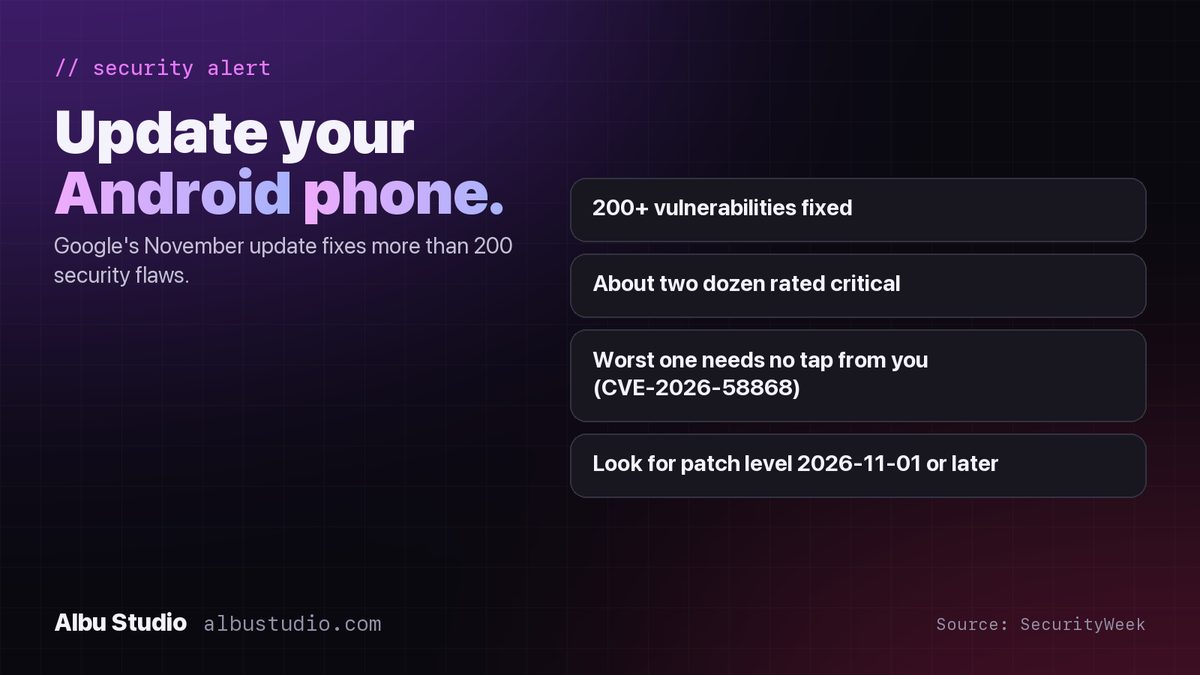
What the November 2026 update fixes
- More than 200 vulnerabilities across the Android framework, system and components, according to the bulletin as reported by SecurityWeek on 3 November 2026.
- About two dozen of them rated critical.
- The most severe, CVE-2026-58868, is a flaw in the Android framework that allows remote code execution with no extra privileges and no user interaction. In plain words: an attacker would not need you to tap a link or open a file.
- The fixes ship as two patch levels. The first, 2026-11-01, contains the framework fix. The second covers vendor and chipset components.
Google's bulletin did not report attacks using these flaws at the time of publication. That is normal, and it is also the best moment to update: once a fix is public, people who write malware read the same bulletin.
How to check your patch level
The exact menu names differ by brand, but the information is always in Settings, and it always shows a date. You are looking for a security patch level of 2026-11-01 or later.
- Pixel and most phones with plain Android: Settings > Security & privacy > System & updates > Security update. The date shown is your patch level.
- Samsung: Settings > Security and privacy > Updates > Security update, or Settings > About phone > Software information > Android security patch level.
- Xiaomi, Redmi and POCO: Settings > About phone > Android version, then look for Android security update.
- Motorola, OnePlus, Nothing and others: Settings > About phone, then look for Android security patch or Android version. Tap the entry if the date is not shown directly.
- On any phone, also open Settings > Security & privacy > System & updates > Google Play system update and check for updates there. This is a second, separate update channel that Google ships directly, without waiting for the phone maker.
If the date is from November 2026, you are done. If it is older but the phone offers no update yet, check again in a week: Samsung, Xiaomi, Motorola and the rest ship Google's fixes on their own schedules, usually within a few weeks for current models.
If your phone no longer receives updates
Every Android phone has an update window, typically three to seven years from its release depending on the brand and the model. If your patch level is a year old and no update is offered, the phone has most likely left that window. It still works, but every new bulletin describes holes it will never have closed. For a phone used for banking, two-factor codes or work e-mail, that is the point to replace it. For a phone used by a child for games on home Wi-Fi, the risk is lower, but it is not zero.
Three new features in the same month
Not everything in November is about security. Google's monthly system update, which arrives through Google Play services version 26.43 on every brand of phone, also adds three things worth turning on:
- Family Hub: a dedicated place in Android Settings for family management tools.
- Quick Share can now back up photos and videos from your phone to a Windows PC automatically.
- Google Password Manager lets you choose which credentials to keep when an import finds two conflicting passwords or passkeys.
These roll out gradually, so they may take a few days to appear on your phone even after the Play services update has installed.
Why we write about this
We build Android apps, and we test them on the current security patch before every release. An app is only as safe as the phone it runs on, and the single most useful thing an Android owner can do for their own security costs nothing and takes a minute: open Settings and tap Check for update.